
December 2, 2025
Tech Review
Top 7 AI Patent Drafting Platforms for Patent Attorneys & Agents (And Why Agentic AI Is Pulling Ahead)
This article compares seven leading AI patent drafting platforms used by patent attorneys and agents, grouping them into three buckets: agentic AI, copilots, and toolkits. It explains how each product fits into real-world drafting and prosecution workflows, highlighting strengths like analytics, proofreading, and Word-native assistants. Against that landscape, the article shows why an agentic, end-to-end system offers a fundamentally different level of leverage—moving matters from disclosure to filing-ready drafts while preserving professional quality and control. The conclusion is clear: copilots and toolkits are useful, but Paximal is positioned to be the drafting engine at the center of a modern patent practice.
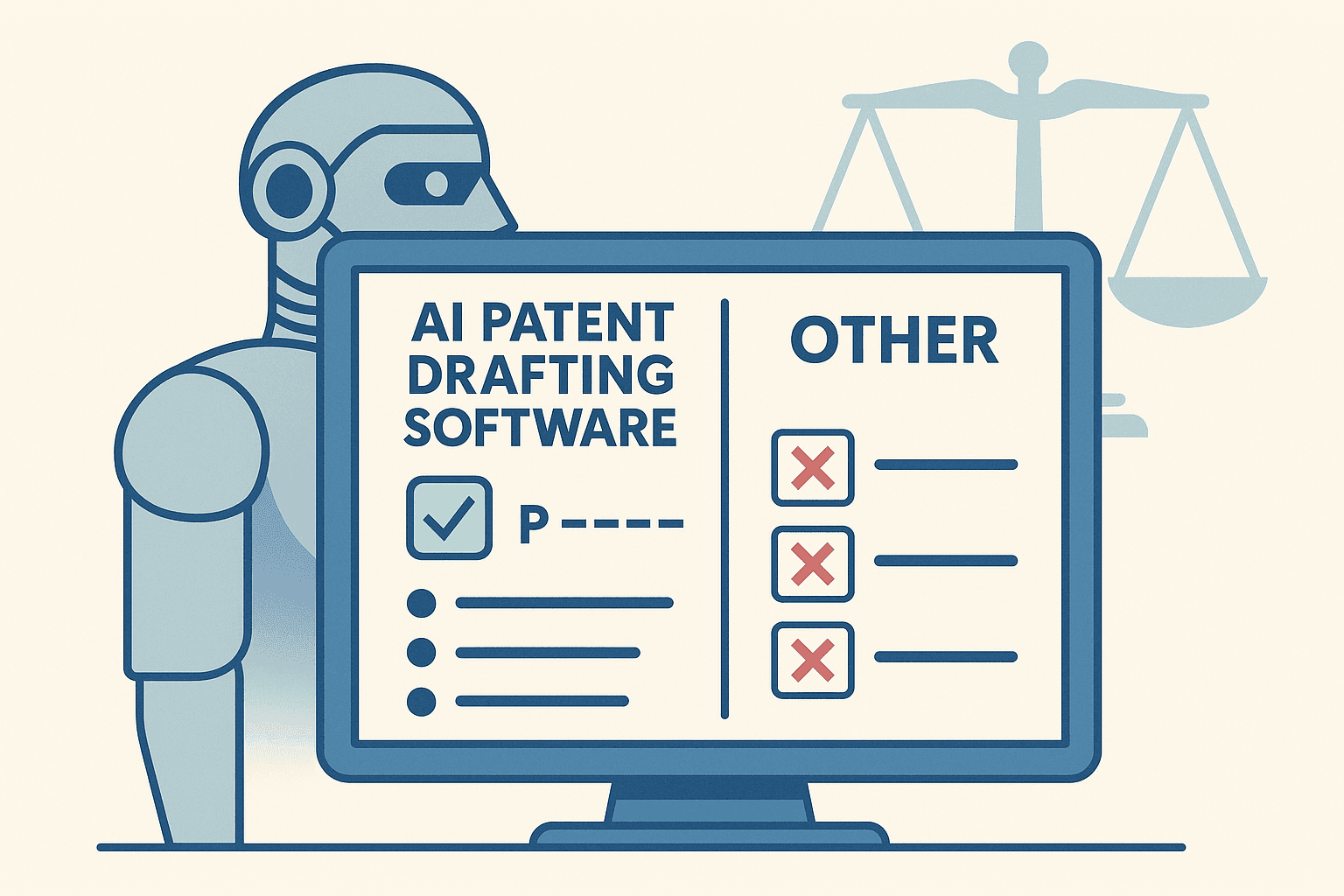
AI for patents has moved way past “fun experiments.”
Today, firms are running real client work through AI-powered drafting tools, with serious expectations around quality, confidentiality, and ROI. The problem: not all “AI for patents” is the same. Some tools are copilots that help you draft a bit faster. Some are toolkits that clean up your work. And a very small handful are agentic systems that can own the heavy lifting from end to end.
This article looks at seven leading platforms used by patent attorneys and agents—grouped into three categories:
Agentic AI – systems that orchestrate multi-step drafting workflows end-to-end
Copilots – assistants that help you draft sections faster, still driven step-by-step by the practitioner
Toolkits – proofreading and drafting utilities that make traditional workflows more efficient
We’ll walk through each, with a clear bias: Paximal is built as the agentic backbone for professional patent drafting, and it’s where we think the market is ultimately heading.
How we evaluated these platforms
From a practitioner’s perspective, the important questions aren’t “who has the fanciest demo?” but:
Depth of automation – Can it actually move a matter from idea/claims to a filing-ready draft, or is it just making Word slightly less painful?
Quality under USPTO (and EPO) pressure – Does the work product hold up when examiners push on enablement, written description, and prior art?
Practice fit – Does it play nicely with your existing workflows (dockets, DMS, billing, review processes), or does it assume you’ll re-engineer your practice around it?
Governance & repeatability – Can you lock in firm standards, templates, and playbooks so results are consistent, not just “sometimes great”?
Confidentiality & control – Is your client data actually safe and isolated, with clear answers around training, logging, and hosting?
With that lens, here’s how the current landscape shakes out.
1. Paximal – Agentic, End-to-End Drafting for Professionals (Agentic AI)
Category: Agentic AI
Best for: Law firms and in-house teams that want file-ready drafts in hours, not days, with attorney time focused on strategy instead of assembly.
Paximal is built from the ground up as a fully agentic patent drafting engine for professionals—not a generic LLM wrapped in a nice UI.
Instead of asking you to prompt your way through each section, Paximal orchestrates a network of specialized agents (claims, specification, figures, consistency checks, alignment, etc.) to move a matter from structured input (disclosures, claims, invention notes, prior art) to a filing-ready draft. The practitioner stays in control, but the system does the work.
What makes Paximal different
From our prior work together, Paximal’s design centers on three big differentiators:
End-to-end, not piecemeal
Takes in invention disclosures / notes / prior art and drives all the way to a unified application: claims, spec, and figures aligned.
Multi-stage, multi-agent workflows: claim expansion, spec build-out, examples/embodiments, figure concepts, consistency passes, and clean-up.
Designed so a senior practitioner can spend ~3–4 hours total on a case (alignment + review + polish) instead of 20–30+ hours of manual drafting.
Built specifically for professional-grade scrutiny
Paximal has been pressure-tested at the USPTO on real matters: allowed / issued patents drafted end-to-end by Paximal with attorney alignment and review. The focus isn’t just speed—it’s:Strong enablement and written description
Clear, defensible traversal of prior art
Drafts that feel like they were written by a seasoned practitioner, not a chatbot
The system’s guardrails and agents are tuned to professional practice: no “hallucinatory” inventions, no speculative boilerplate that collapses under examination.
Workflow realism and scaling
Paximal was designed with real production environments in mind:High-volume readiness – Built for teams that need to scale from dozens to hundreds of applications without degrading quality.
Attorney-time ROI – ~80–90% time savings vs. traditional drafting, with attorneys redeployed to strategy, inventor counseling, and portfolio curation.
Alignment, not replacement – Attorneys and agents stay at the center: they review, steer, and sign off, while the engine handles the heavy lifting.
Paximal also reflects years of practitioner-led automation work and a long runway of filed and issued cases behind it—this isn’t a toy or early prototype, it’s already operating in the wild.
When Paximal is the obvious choice
If you’re:
Running a practice that needs to increase filing volume without burning out your team
Trying to reduce cycle times while keeping outcomes at big-portfolio levels
Tired of tools that call themselves “AI” but still make you hand-hold every paragraph
…Paximal is the platform that can become your core drafting engine, not just another icon in your toolbar.
2. Solve Intelligence – Deep Copilot for Drafting, Prosecution & Claim Charts (Copilot)
Category: Copilot
Best for: Teams that want a powerful assistant across drafting, prosecution, and claim charts, with attorneys firmly in the driver’s seat.
Solve Intelligence offers a comprehensive AI suite for patents, including invention harvesting, patent application drafting, patent prosecution support, and claim charts. It’s designed as a guided copilot, emphasizing that the attorney stays in control while the AI accelerates specific tasks.
Notable strengths:
Interactive drafting – Full and partial application drafting, with workflows for different application types (continuations, divisionals, design, etc.).
Custom drafting style – Ability to adapt drafting to different jurisdictions, technology areas, and attorney preferences.
Prosecution & claim charts – Strong tooling for office action responses and multi-source, citation-backed claim charting.
Solve reports 50%+ efficiency and quality improvements from customer teams, with broad adoption across firms and in-house groups worldwide.
Think of Solve as a very capable copilot across the lifecycle—excellent for teams that prefer to remain hands-on with every drafting step, but want AI to accelerate and structure their work.
3. Patlytics – Broad Patent Intelligence & Drafting Platform (Copilot)
Category: Copilot / Platform
Best for: IP teams that want drafting plus heavy analytics and portfolio intelligence in one system.
Patlytics positions itself as an “end-to-end patent platform”: from invention disclosures through drafting, infringement detection, invalidity analysis, and portfolio pruning.
Key capabilities:
AI-powered application drafting – Drafting flows supported by prior-art analysis and claim-chart-style reasoning.
Infringement & invalidity tools – Claim charts, invalidity analysis, patent pruning, and vault/classification tools for managing large portfolios.
Security & governance – SOC 2, strong encryption, and commitments not to use customer data for training.
Patlytics is ideal if you want drafting plus analytics in a unified platform, and you’re comfortable running drafting in a more copilot-style mode (AI assisting steps, not owning the whole workflow).
4. DeepIP – Microsoft Word–Native Patent Drafting Assistant (Copilot)
Category: Copilot
Best for: Practitioners who live in Word and want a drafting copilot embedded directly in their existing workflow.
DeepIP brands itself explicitly as a “patent AI copilot” that sits inside Microsoft Word.
Highlights:
Word add-in – DeepIP runs as a native add-in so you can use AI drafting where you already draft—no new editor required.
Spec & claims assistance – Helps summarize disclosures, propose claim variations, and draft richer specifications from notes or drawings.
Security posture – SOC 2 and ISO 27001 certifications, with zero-data-retention and encryption on Microsoft Azure.
DeepIP is a good fit if you want a lightweight, familiar copilot that improves first drafts without changing your tech stack too much.
5. Edge – Fast, Template-Driven Drafting Assistant (Copilot)
Category: Copilot
Best for: Attorneys and agents who want rapid, templated drafting with basic customization and figure support.
Edge is focused on speed: “patent drafting done at warp speed”, using AI to help you get drafting tasks done in minutes instead of hours.
Core strengths:
Drafting assistant – Use AI to draft detailed descriptions, dependent claims, backgrounds, and more.
Customization – Templates and drafting styles can be customized for your practice.
Figures & math/chemistry – Built specifically for patents, with support for math equations, chemical formulas, and tables.
Edge is particularly attractive for smaller practices and solos who want to move faster on discrete drafting tasks without adopting a full platform.
6. PatentBots – Automated Proofreading & Prosecution Utilities (Toolkit)
Category: Toolkit
Best for: Any practitioner who wants robust, automated proofreading and error detection layered on top of their existing drafting.
PatentBots’ Prep & Pros Pro product is one of the most widely recognized automated proofreading tools for patent work.
Capabilities include:
Automated proofreading – Detection of antecedent basis issues, word/phrase support, claim numbering and status errors, inconsistent reference labels, figure number mismatches, and “patent profanity” (e.g., “required,” “necessary”).
Very fast checks – Proofreading runs in seconds, with an interactive UI to help diagnose and correct errors.
Risk reduction & training – Helps new practitioners climb the learning curve and reduces the risk of avoidable formal errors.
PatentBots doesn’t try to be your drafting engine—it’s a high-leverage quality layer that pairs well with any of the other platforms on this list (including Paximal).
7. Rowan Patents (Clarivate) – Integrated Drafting, Review & Prosecution Suite (Toolkit / Hybrid)
Category: Toolkit / Hybrid drafting suite
Best for: Teams that want an integrated desktop application for drafting, proofreading, and prosecution, with some task-based GenAI.
Rowan Patents is an integrated patent drafting and prosecution environment that connects specification, claims, and drawings in a single solution.
Key benefits:
Integrated drafting – Draft claims, specification, and figures in one environment, with automatic part numbering and synchronized terminology.
Proofreading & analytics – Checks term usage, antecedent basis, claim support, profanity lists, and predicts art units and potential §112 issues using NLP tuned to patent language.
Prosecution support – Office action response shells, rejection navigation, automated markup and claim status management, and synchronization of amendments across claims.
Measured gains – Rowan reports an average 36% productivity gain, 18% reduction in Office Actions, and 44% fewer §112 rejections among users.
Rowan is a strong choice if you want a robust desktop environment with automation and GenAI woven into traditional drafting and prosecution workflows.
So… which platform should a serious patent practice bet on?
If you’re a patent attorney or agent, you’ll likely end up with a mix of these tools:
A proofreading toolkit (PatentBots, Rowan)
One or more copilots (Solve, Patlytics, DeepIP, Edge)
And, increasingly, an agentic backbone that can actually carry a matter from disclosure/claims to a high-quality, filing-ready draft.
That last category is where Paximal is built to lead.
If your goal is to trim a few hours off a draft and tidy things up: a copilot + toolkit stack can get you there.
If your goal is to double or triple drafting throughput, keep quality high under USPTO/EPO pressure, and standardize a firm-wide approach to AI-assisted drafting, you need something more than copilots.
You need a system that:
Treats patent drafting as a multi-stage, multi-agent process, not a single prompt
Is already proven on real, allowed cases
Aligns with how professional patent practices actually work—version histories, playbooks, templates, review hierarchies, and all.
That’s why, in a “Top 7 AI Patent Drafting Platforms” list written for patent attorneys and agents, Paximal isn’t just #1—it’s the only one designed to be your drafting engine, not just your drafting assistant.
If you’d like to explore what an agentic, end-to-end drafting workflow could look like for your practice, the next step is simple: map one real matter into Paximal and compare the time, effort, and confidence level against whatever you’re using today.